
Virtual Line Capabilities
Multi-Line Capabilities on a Single Stream
Sphere VCA supports setting up multiple virtual lines on a single video stream, each configured with unique rules and triggers. This allows operators to define zones for valid and invalid objects, such as detecting vehicles using a designated lane or counting individuals moving in the correct direction. Triggers can include event notifications, alarms, or even automated operations.
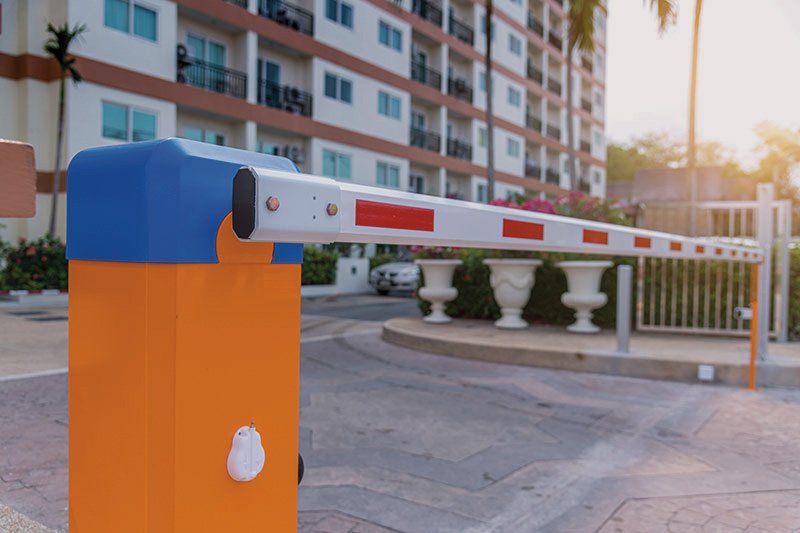
Defining Boundaries with Virtual Lines
Directional Monitoring
Sphere VCA allows users to create virtual lines to monitor the movement of objects in specific directions. Operators can set rules to track objects crossing these lines and receive real-time alerts for unauthorized movements, ensuring enhanced security and operational control. For instance, detecting vehicles entering through an exit lane or individuals moving in restricted directions becomes seamless with this feature.
Enhanced Visual Overlays
Sphere VCA enhances monitoring with visual overlays that make interpreting data intuitive. Virtual lines are marked on video feeds, with each crossing logged and categorized based on direction, object type, and validity.
Real-Time Object Validation and Counting
Virtual lines not only monitor direction but also validate and count objects crossing them in specified directions. Operators can track specific objects, such as people entering a store or vehicles leaving a parking lot.
Multi-Industry Uses
Virtual lines are a versatile tool applicable across various industries. Retail stores can monitor foot traffic at entrances to analyze customer flow, while factories can secure production zones by restricting access. In parking lots, virtual lines can streamline vehicle entry and exit monitoring. The flexibility of Sphere VCA ensures that these virtual lines adapt to meet specific operational needs across sectors.