
Virtual Fence
Enhanced Visual Overlays for Better Insights
Virtual fences in Sphere VCA are complemented by intuitive visual overlays. These overlays provide real-time information, such as object types and zone-specific alerts. By displaying this data visually, operators can quickly assess situations and make informed decisions, even in complex environments.
Virtual Fence Capabilities
Define Restricted Zones
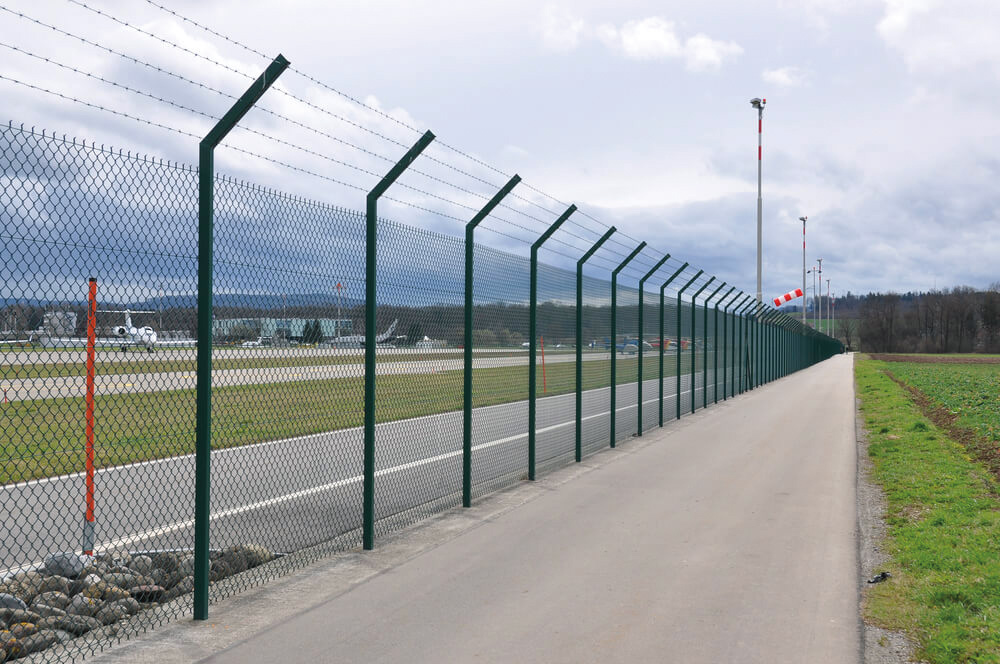
Sphere VCA enables users to create virtual fences that clearly define restricted or sensitive areas. These virtual boundaries act as digital safeguards, allowing operators to monitor and secure zones such as industrial sites, warehouses, school perimeters, or construction zones. Virtual fences can also be tailored to specific needs, such as protecting high-value assets or controlling access to hazardous areas.
Event Triggers
Virtual fences can trigger customizable events based on activities within the defined zones. Operators can set triggers for scenarios such as unauthorized entry, exit, or unexpected object movements. These events can activate alarms or send notifications. This flexibility makes virtual fences an essential tool for proactive threat management.
Object Counting for Valid and Invalid Movements
Sphere VCA enhances virtual fences with object counting capabilities, distinguishing between valid and invalid movements. For example, it can track the number of people entering or leaving a restricted area and count unauthorized entries or exits separately. This data helps operators analyze patterns, detect anomalies, and optimize security strategies.
Define Valid Time for Staying Within Fenced Areas
Virtual fences can be configured to monitor how long objects stay within a restricted zone. Operators can define a valid time limit for staying inside the fenced area, ensuring compliance with safety protocols or operational guidelines. If an object remains beyond the defined duration, Sphere VCA triggers an alert, allowing timely intervention.